
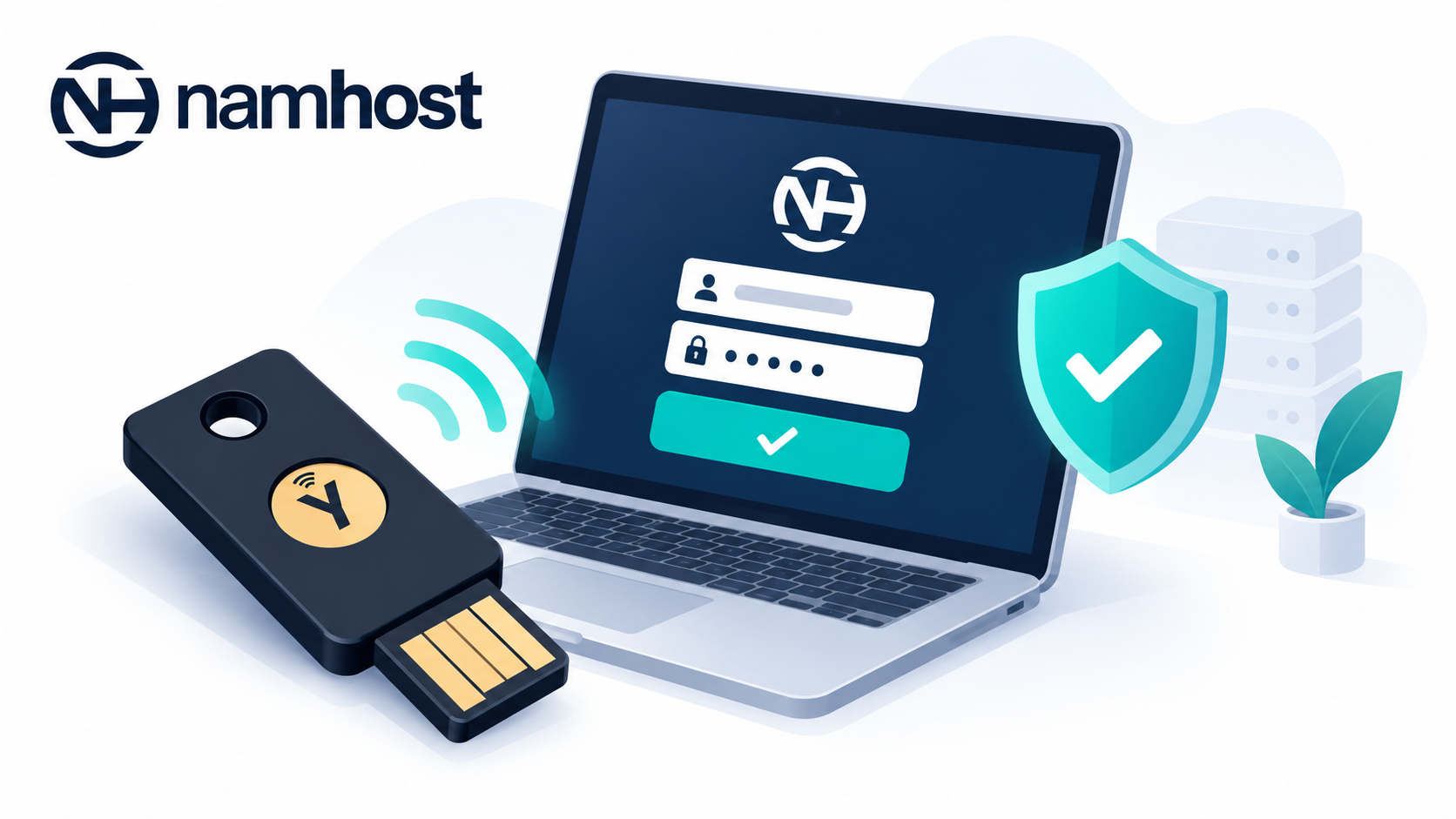
A YubiKey is a small physical security key that plugs into your computer's USB port. It is one of the strongest ways to protect an online account.
Instead of typing a code from your phone, you insert the YubiKey and tap it. The key generates a unique one-time password that Namhost checks when you log in. Without the physical key, nobody can access your account, even if they know your password.
Why use a YubiKey?
- It is very resistant to phishing, because the code is generated by the hardware and can't be reused
- It needs no batteries, apps or mobile signal
- It is fast: you just insert it and tap it
- It is durable and fits on a keyring
YubiKeys are made by Yubico and are available from Yubico and authorised resellers.
Steps to add a YubiKey to your Namhost account
- Log in to your Namhost account at https://www.namhost.com/login
- Once logged in, click on the Settings menu item
- Under YubiKey Authentication, click Add a Yubikey
- Insert your YubiKey into your device
- Tap (and hold) the button on your YubiKey
- Once your key is recognised, give it a name (for example Office key or Keyring key) so you can identify it later
YubiKey authentication is now enabled on your account.
Adding more than one YubiKey
We recommend registering a second YubiKey as a backup. Click Add another Yubikey and repeat the steps above. Keep the backup key somewhere safe, separate from your main key.
Removing a YubiKey
If a key is lost or no longer used, go to Settings and click Delete next to that key in the YubiKey list.
Important to note
- You can use a YubiKey and Google Authenticator together for even stronger protection
- If you lose your only YubiKey, contact Namhost support. We'll verify your identity before restoring access