
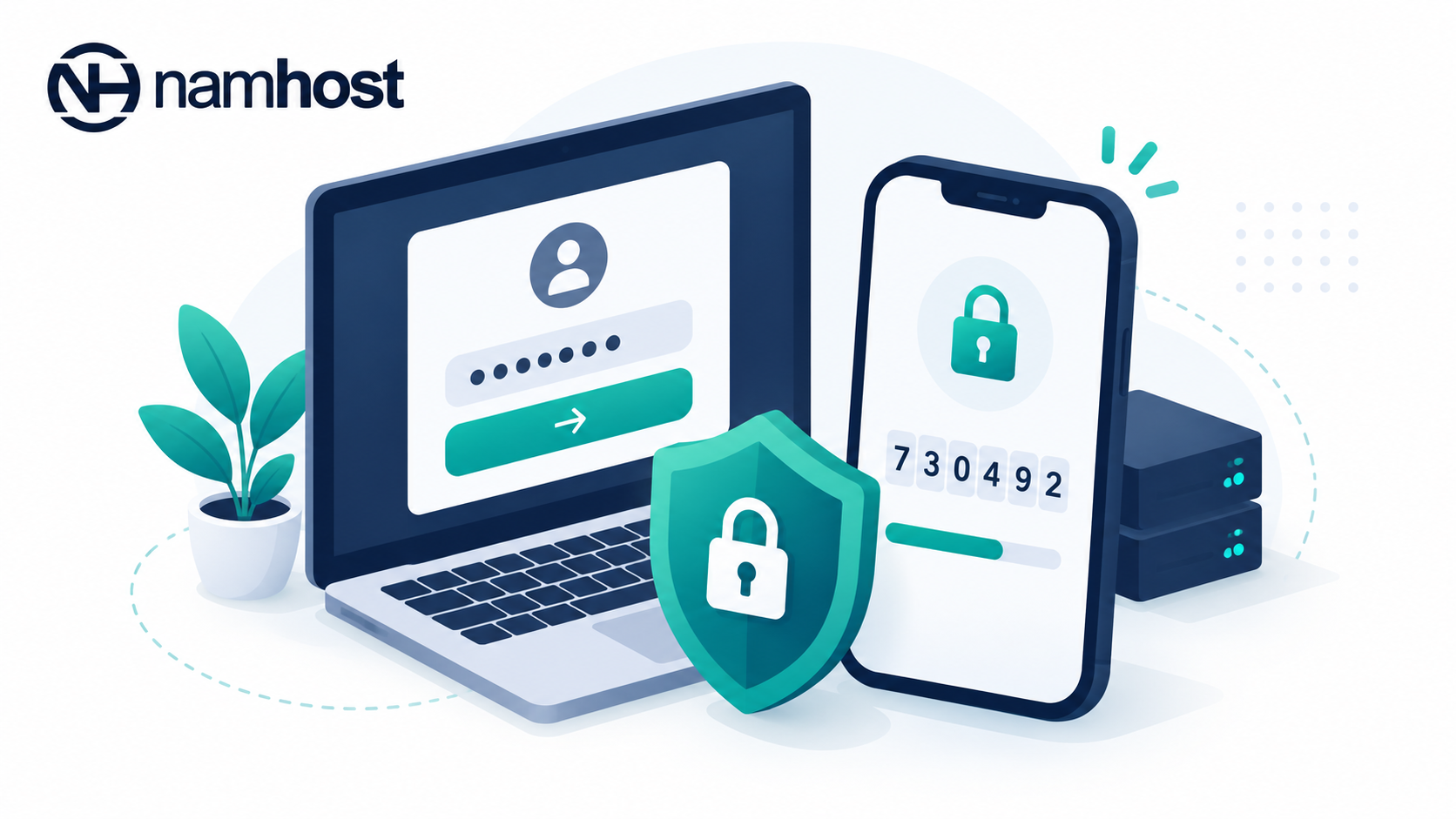
Your Namhost account controls your domains, hosting, email and billing, so keeping it secure is essential. Two-factor authentication (2FA) adds an extra layer of protection on top of your password.
With 2FA enabled, you enter your password and then a six-digit code from an authenticator app on your phone. The code changes every 30 seconds. Even if someone steals your password, they can't log in without your phone.
Namhost supports Google Authenticator for 2FA. We highly recommend enabling 2FA, a YubiKey, or both.
Before you begin
Download and install Google Authenticator on your smartphone from the Apple App Store or the Google Play Store
Steps to enable 2FA
- Log in to your Namhost account at https://www.namhost.com/login
- Once logged in, click on the Settings menu item
- Under Two-factor Authentication, click Enable 2FA
- Open Google Authenticator on your phone, tap the + sign and select Scan a QR Code
- Scan the QR code shown on screen
- Enter the six-digit code generated by the app
- Click Activate!
Two-factor authentication is now enabled. You'll be asked for a code from the app each time you log in.
How to disable 2FA
- Go to Settings
- Click Disable 2FA
- Enter the current code from your authenticator app
- Click Disable!
Important to note
- Keep your phone secure. It is now part of how you log in
- If you replace your phone, set up 2FA on the new phone before you reset or give away the old one
- Under the QR code there is a text key. Store it somewhere safe and offline, because you can use it to restore 2FA on a new phone
- If you lose access to your authenticator app, contact Namhost support. We'll verify your identity before making any changes to your account