
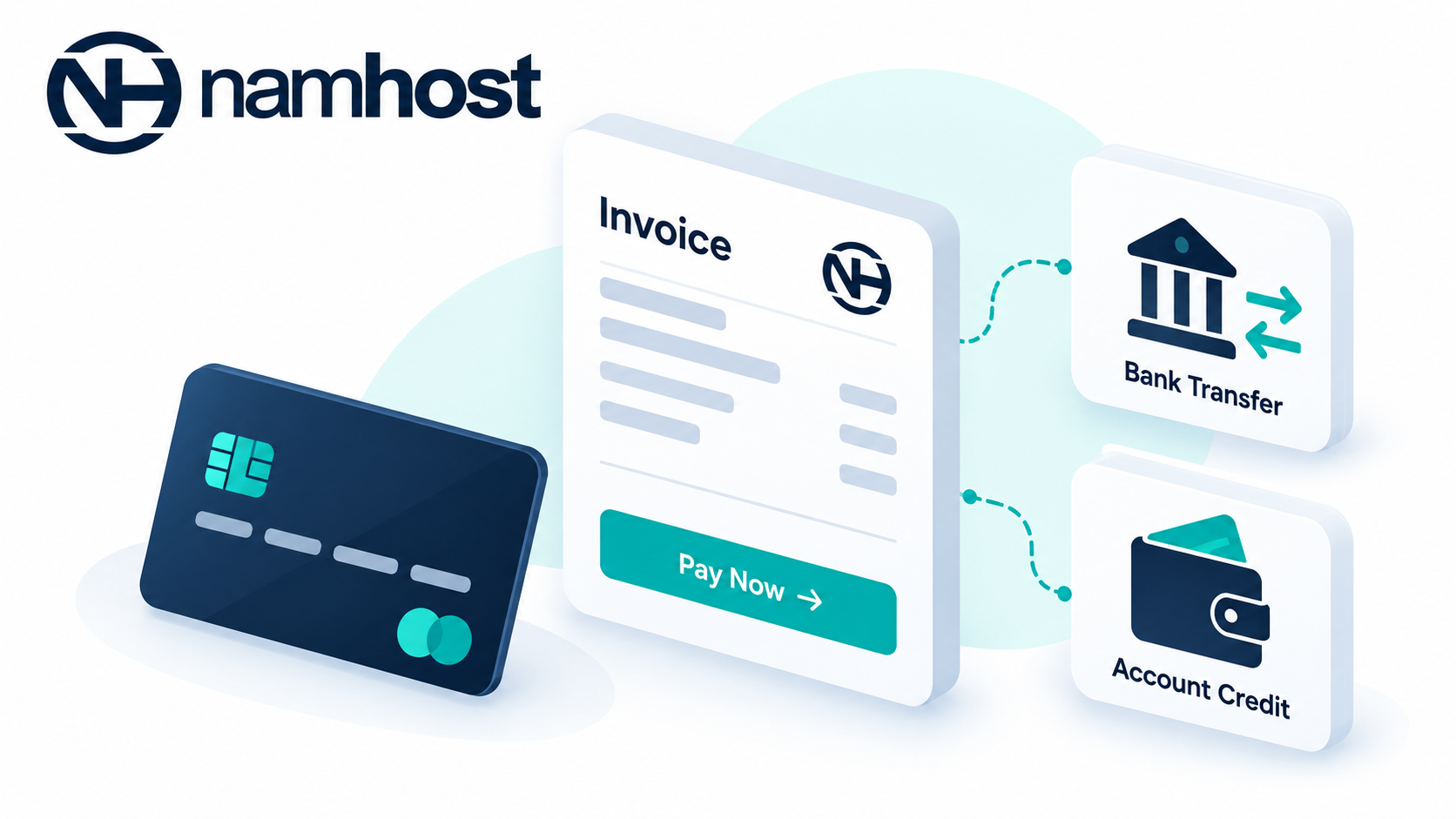
Namhost offers the following ways to pay your invoices.
1. Online card payment
You can pay online with a credit or debit card through our payment gateway, Paystack. Card payments are processed immediately, and your Tax Invoice Receipt is issued as soon as payment is successful.
To pay by card:
- Log in to your Namhost account at https://www.namhost.com/login
- Open the invoice you want to pay
- Click Pay Now
- Choose Pay Online and complete the payment
2. Bank transfer (EFT)
You can pay by EFT into our bank account. Our banking details are on each Pro Forma Invoice and invoice email.
When paying by EFT, always use your invoice number or account number as the payment reference. This lets us allocate your payment correctly.
EFT payments can take a little longer to reflect, depending on your bank. For time-sensitive orders, such as a new domain registration or an overdue service, we recommend paying online.
3. Account credit
If you have credit on your account, you can use it to pay invoices in full or in part. See How to Apply Account Credit to an Invoice Manually and How to Automatically Apply Account Credit to Invoices.
Coming soon
- Apple Pay
- SnapScan
- Instant bank transfer
- Other options as they are rolled out
We'll announce new payment methods as they become available.