
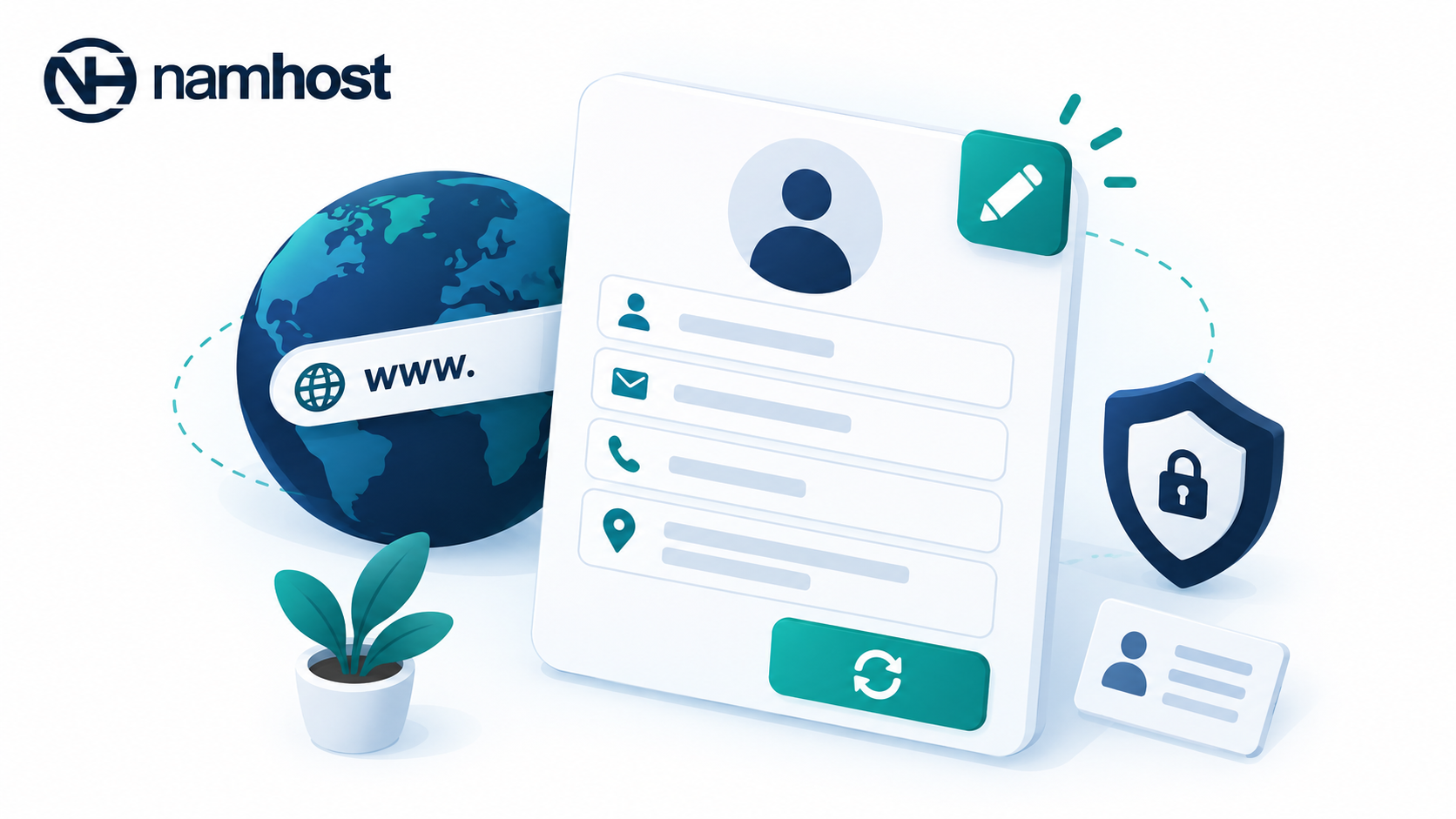
Every domain registration contains ownership and contact information associated with the domain. Namhost allows you to manage and update these details directly from your client area without needing to open a support ticket.
Domain contact records usually include:
- The registrant or legal owner of the domain
- Administrative contact details
- Technical contact details
- Billing contact information
Keeping this information accurate is extremely important.
Registries and registrars use these details to:
- Send renewal reminders
- Verify ownership
- Approve transfer requests
- Communicate important notices
- Maintain compliance with registry policies
If your email address or phone number becomes outdated, you may miss critical communications related to your domain. In some situations, inaccurate information can even lead to suspension or delays during transfers and verification processes.
Updating your details is straightforward.
Steps to update your domain contact information:
- Log in to your Namhost account
- Navigate to the “Domains” section
- Select the domain you want to manage
- Click:
- “Edit Contact Details”
- or “Update Registrant”
- Update the required information such as:
- Name
- Organisation
- Email address
- Phone number
- Physical address
- Save your changes
Once submitted, the updated information is sent to the relevant registry.
It is important to understand that some updates are treated differently depending on the domain extension.
Minor updates such as:
- Correcting spelling mistakes
- Updating phone numbers
- Changing addresses
- Updating contact emails
are usually processed immediately.
However, changing the registrant name or organisation may be treated as a change of ownership by certain registries. In those cases:
- Approval may be required from both parties
- Verification emails may be sent
- The update process may take longer
WHOIS visibility is another factor to consider.
Depending on the domain extension and registry policies, your details may be publicly accessible through WHOIS lookup tools. This can expose your personal contact information online.
If privacy is important, consider enabling ID Protection to hide your public WHOIS details while still maintaining accurate registry records internally.
As a best practice, review your domain contact information at least once per year to ensure everything remains accurate and up to date.